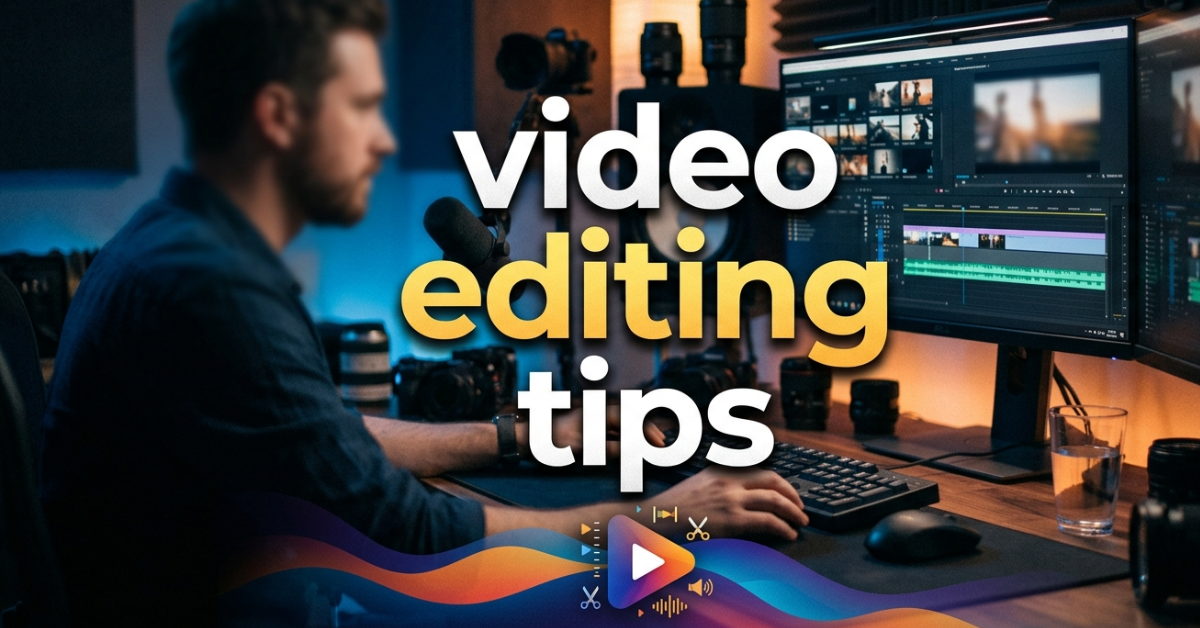

If you’re searching for video editing tips, you’re probably trying to make your videos look more professional—whether for YouTube, social media, or personal projects. The good news? You don’t need to be a Hollywood editor to create great content.
With the right video editing tools, smart techniques, and a bit of practice, you can dramatically improve your edits in no time.
What Is Video Editing?
Before jumping into video editing tips, let’s quickly understand the basics.
Video editing is the process of arranging, cutting, and enhancing video clips to create a polished final product. It includes:
- Cutting unwanted scenes
- Adding music and effects
- Improving color and lighting
- Syncing audio
- Adding text or captions
In simple terms, it’s where raw footage becomes a story.
Best Video Editing Tips for Beginners
Here are practical video editing tips that can instantly improve your content quality.
1. Start with a Clear Plan
Before opening any video editing software, know your goal:
- What story are you telling?
- Who is your audience?
- What is the video length?
Planning saves time and avoids messy edits.
2. Choose the Right Video Editing Software
There are many options depending on your skill level.
Best Video Editing Software Options:
- Adobe video editing (Premiere Pro) – professional-level editing
- Mac video editing software (Final Cut Pro) – smooth for Apple users
- DaVinci Resolve – powerful and color-focused
- Filmora – beginner-friendly
Best Free Video Editing Software:
- DaVinci Resolve (free version)
- CapCut
- HitFilm Express
- iMovie (Mac users)
If you’re starting out, free video editing software is more than enough.
3. Keep Your Edits Clean and Simple
One of the biggest beginner mistakes is over-editing.
Good editing means:
- Smooth cuts
- Minimal transitions
- Clean audio
- Simple effects
Less is often more.
4. Learn Basic Cuts First
Focus on:
- Cut
- Trim
- Split
- Merge clips
Mastering these basic video editing tools is more important than fancy effects.
5. Use Music Wisely
Background music can make or break your video.
Tips:
- Keep volume low under dialogue
- Use royalty-free tracks
- Match music mood with visuals
6. Improve with Color Correction
Even simple adjustments can make your video look professional:
- Brightness
- Contrast
- Saturation
- White balance
Most video editing software apps include these tools.
7. Add Text and Captions
Text improves engagement, especially for social media videos:
- Add subtitles
- Highlight key points
- Use minimal fonts
8. Export in the Right Format
Always export based on platform:
- YouTube → MP4, 1080p or 4K
- Instagram → vertical format (9:16)
- TikTok → optimized vertical video
Best Video Editing Apps for Mobile Users
If you prefer editing on your phone, try these video editing apps:
- CapCut
- InShot
- VN Editor
- Adobe Premiere Rush
Mobile editing is great for quick social media content.
Best Laptops for Video Editing
If you’re serious about editing, your laptop matters.
Top choices for editing:
- MacBook Pro (M2/M3 chips)
- Dell XPS 15
- ASUS ROG Zephyrus
- HP Spectre x360
Look for:
- High RAM (16GB or more)
- Strong GPU
- Fast SSD storage
Common Video Editing Mistakes to Avoid
- Overusing transitions
- Ignoring audio quality
- Exporting in wrong resolution
- Using too many effects
- Not organizing files properly
Free vs Paid Video Editing Software
Free Software:
- Great for beginners
- Basic features
- Easy learning curve
Paid Software:
- Advanced tools
- Better effects and control
- Professional results
Start free, upgrade later when needed.
FAQs
What is the best video editing software for beginners?
CapCut, Filmora, and DaVinci Resolve are great beginner options.
Is Adobe video editing good for beginners?
Yes, but Adobe Premiere Pro has a learning curve.
What is the best free video editing software?
DaVinci Resolve is considered the most powerful free option.
Can I do video editing on my phone?
Yes, apps like CapCut and InShot are perfect for mobile editing.
What are the most important video editing tips?
Keep edits simple, use clean cuts, and focus on storytelling.
Conclusion
Learning video editing tips is all about practice, patience, and using the right tools. You don’t need expensive gear or advanced skills to get started—just a clear idea and basic knowledge of video editing software.
Whether you’re using free tools or professional platforms like Adobe, the key is to keep improving with every project. Start simple, stay consistent, and your editing skills will grow faster than you expect.