
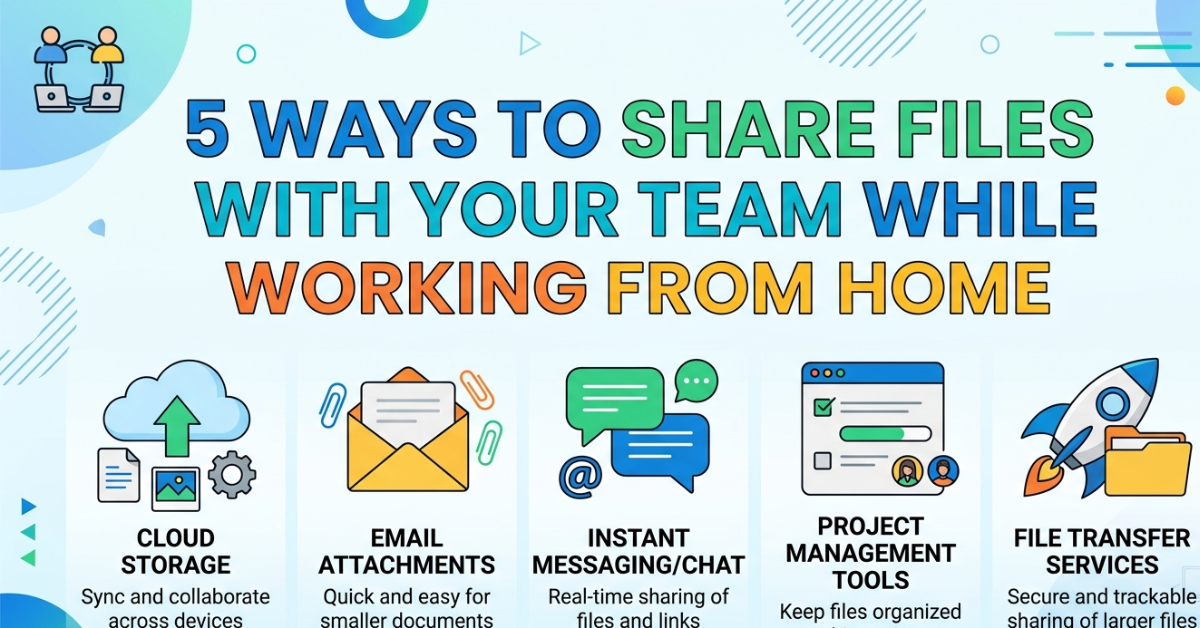

Remote work has become the new normal, and with it comes one big challenge—sharing files efficiently and securely. Whether you’re working on reports, designs, or presentations, knowing 5 ways to share files with your team while working from home can make collaboration smoother and stress-free.
The right file-sharing method saves time, avoids confusion, and keeps everyone on the same page. In this guide, we’ll explore simple yet powerful ways to share files with your team, even if you’re miles apart.
1. Cloud Storage Platforms for Easy Access
One of the most popular methods for file sharing is cloud storage.
Why cloud storage works well:
- Access files from anywhere
- Real-time syncing across devices
- Easy permission control
Popular tools include:
- Google Drive
- Dropbox
- Microsoft OneDrive
With cloud storage, your entire team can view and edit files without constantly sending emails back and forth.
2. Email File Sharing for Quick Transfers
Email is still one of the simplest ways to share documents.
Best for:
- Small files
- One-time sharing
- Official document exchange
Things to keep in mind:
- Most email services have attachment size limits
- Use file compression for large documents
- Double-check recipients before sending
While basic, email remains a reliable part of 5 ways to share files with your team while working from home.
3. Team Collaboration Platforms
Modern teams often rely on dedicated collaboration tools.
Popular platforms:
- Slack
- Microsoft Teams
- Discord (for informal teams)
Benefits:
- Instant file sharing in chats
- Organized channels for projects
- Integration with cloud storage
These tools make communication and file sharing feel like everything is happening in one place.
4. File Transfer Services for Large Files
Sometimes files are too big for email or chat apps.
Best tools for large file sharing:
- WeTransfer
- Send Anywhere
- Filemail
Why use them:
- No need for account setup
- Fast upload and download speeds
- Ideal for videos, design files, and backups
This method is especially useful when working with creative or media-heavy projects.
5. Shared Network Drives and VPN Access
For companies with higher security needs, shared network drives are a strong option.
How it works:
- Files are stored on a central server
- Team members access them through secure login
- Often used with VPN (Virtual Private Network)
Advantages:
- High-level security
- Centralized file management
- Controlled access permissions
This is a more advanced but highly secure part of 5 ways to share files with your team while working from home.
Best Practices for File Sharing at Home
No matter which method you use, follow these simple tips:
- Organize files with clear naming conventions
- Set proper access permissions
- Regularly back up important data
- Avoid sharing sensitive files on unsecured platforms
These habits help keep teamwork efficient and secure.
FAQs
1. What are the 5 ways to share files with your team while working from home?
They include cloud storage, email, collaboration platforms, file transfer services, and shared network drives.
2. What is the safest way to share files remotely?
Cloud storage with encryption and permission controls is generally the safest option.
3. Can I share large files through email?
Yes, but only if they are within size limits. Otherwise, use file transfer services.
4. Which tool is best for team collaboration?
Tools like Slack and Microsoft Teams are popular for communication and file sharing.
5. Do I need special software for remote file sharing?
Not always—many tools like Google Drive work directly in your browser.
Conclusion
Choosing the right method from 5 ways to share files with your team while working from home can greatly improve productivity and teamwork. Whether you prefer cloud storage, email, or collaboration tools, each option has its own strengths depending on your needs.
The key is to stay organized, choose secure platforms, and make file sharing a seamless part of your remote workflow. When done right, distance no longer feels like a barrier—it becomes just another way of working smarter.